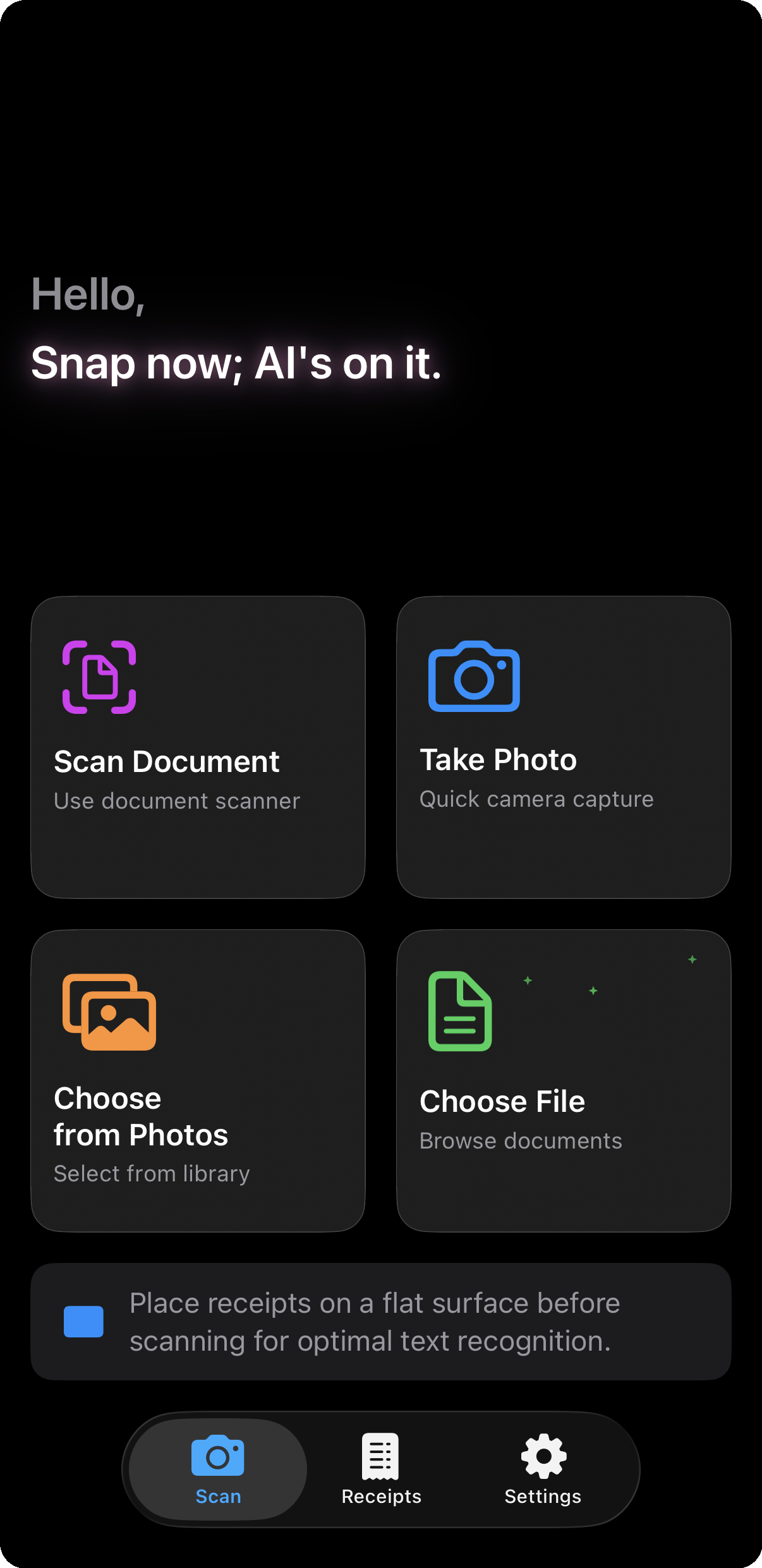
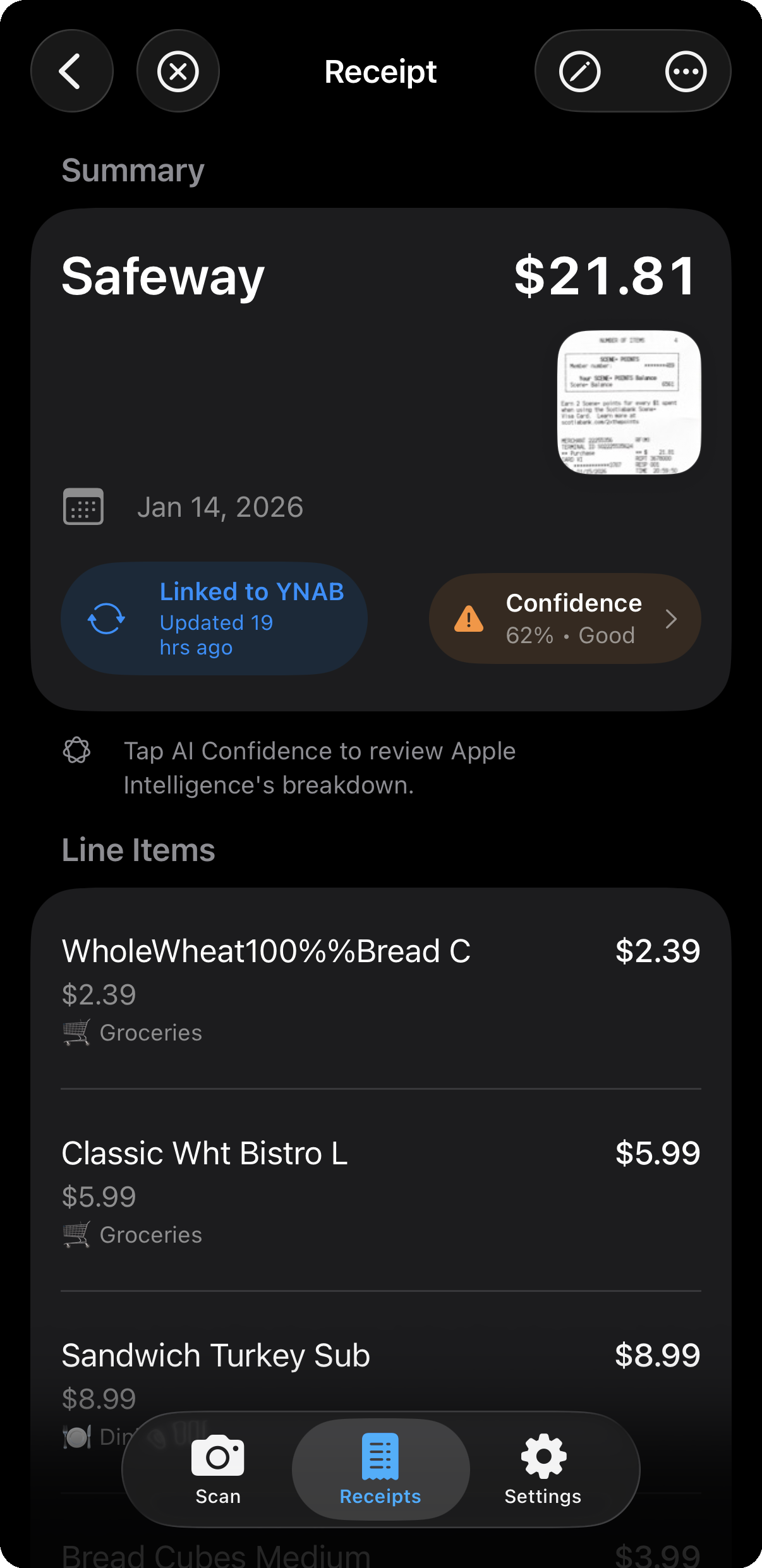
Tired of splitting your Costco haul across 5 YNAB categories? Scan your receipt, let Apple Intelligence sort the line items, and sync to YNAB. Want to keep the receipt photo on your iPhone? New Private Receipt Links let you find it again from any YNAB transaction.
Free to download • 10 AI scans included • No credit card required
New in v1.1.0
YNAB now lets you attach receipt photos directly to your transactions — a great option if you want everything in one place. But some people would rather not have YNAB collect the receipt image, the location and device metadata embedded in it, or any personal information visible on the receipt itself. Per YNAB's privacy policy, that data may also be shared with YNAB Together members (if you've enabled YNAB Together) and with third-party apps connected via the YNAB API (if you've authorized them) — and YNAB's policy notes the use of AI tools to improve their services. For people who'd prefer to keep their receipt images on their own device, Receipts for YNAB offers that option.
When you sync a receipt, only a short code — something like [RFY:20260511183022] — is added to the transaction's memo. The receipt photo stays on your iPhone. Months later, copy the code from YNAB, paste it into the app, and your receipt opens instantly.
Same outcome — your receipt is one tap away from any YNAB transaction. The image just never leaves your phone.
Features
Built for YNAB users who want fast, private, and accurate receipt scanning.
A small code (not a photo) ties each receipt to its YNAB transaction. Paste the code in the app months later and your receipt opens instantly — the photo stays on your iPhone the whole time.
Extracts merchant names, dates, amounts, and line items automatically. Neural Engine document detection with perspective correction delivers 98% price extraction accuracy.
Your receipts never leave your device. All processing happens on-device with no cloud uploads or external servers.
Save receipts locally and upload to YNAB when you're ready. Line items become subtransactions with categories from your budget. Matches with bank imports automatically.
Receipts automatically match with your bank imports in YNAB — no more duplicates cluttering your budget. Detailed line items replace vague bank descriptions.
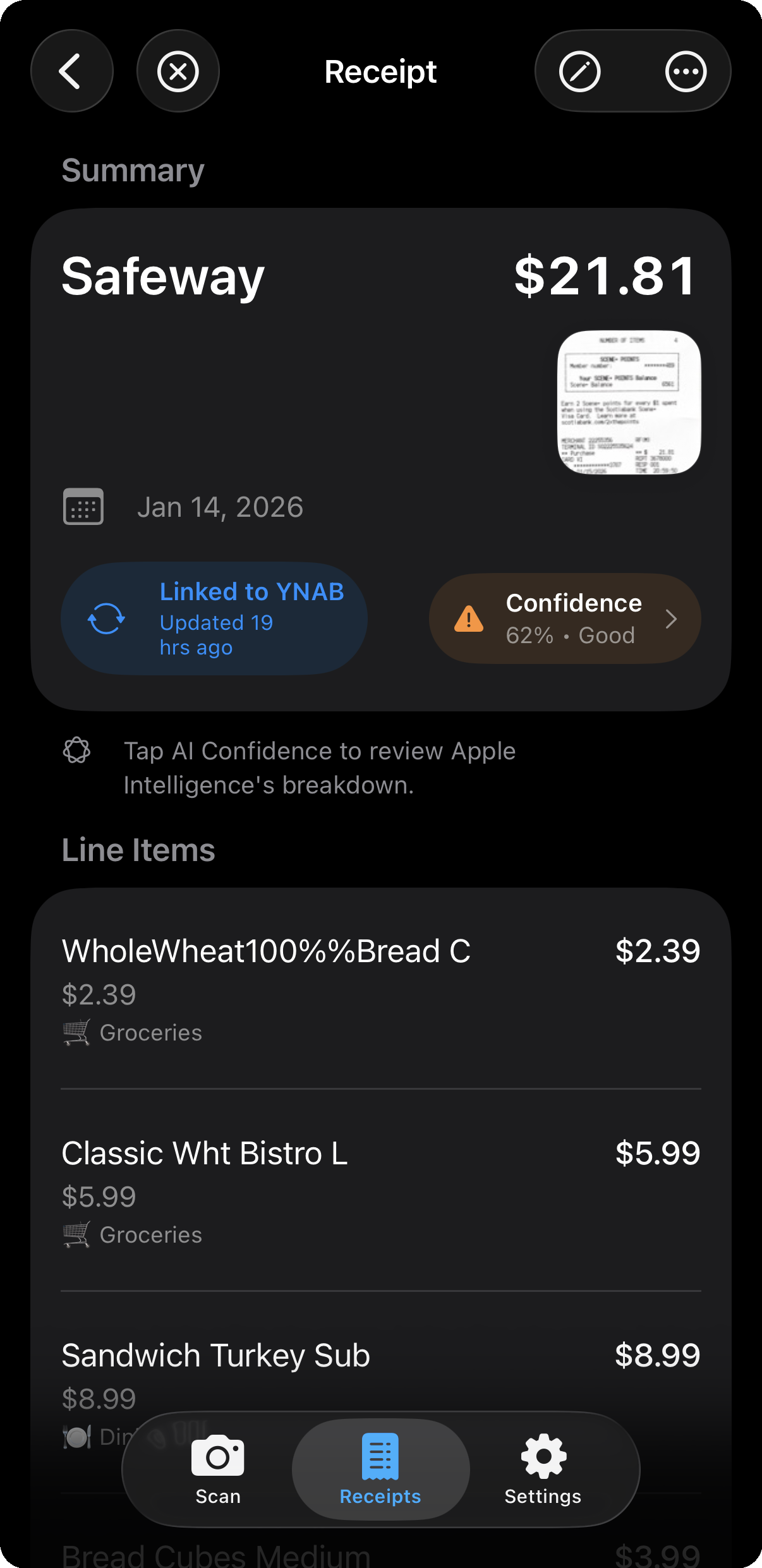
See exactly how accurate each extraction is before syncing. Review the AI's breakdown and edit if needed.
Apple Intelligence learns your preferences to categorize line items into groceries, household, pets, gifts, and more. All learning happens on-device — the app gets smarter with every receipt, privately.
Connect multiple YNAB budgets and switch between them. Each budget keeps its own accounts, categories, and preferences.
Browse receipts by merchant, date, or amount. Search your purchase history for warranties, returns, and expenses — even without a YNAB account. Always on your device.
Scan receipts anywhere — airplane, subway, camping trip. All processing happens on-device. Sync to YNAB when you're back online.
How It Works
A simple 4-step process from paper to YNAB.
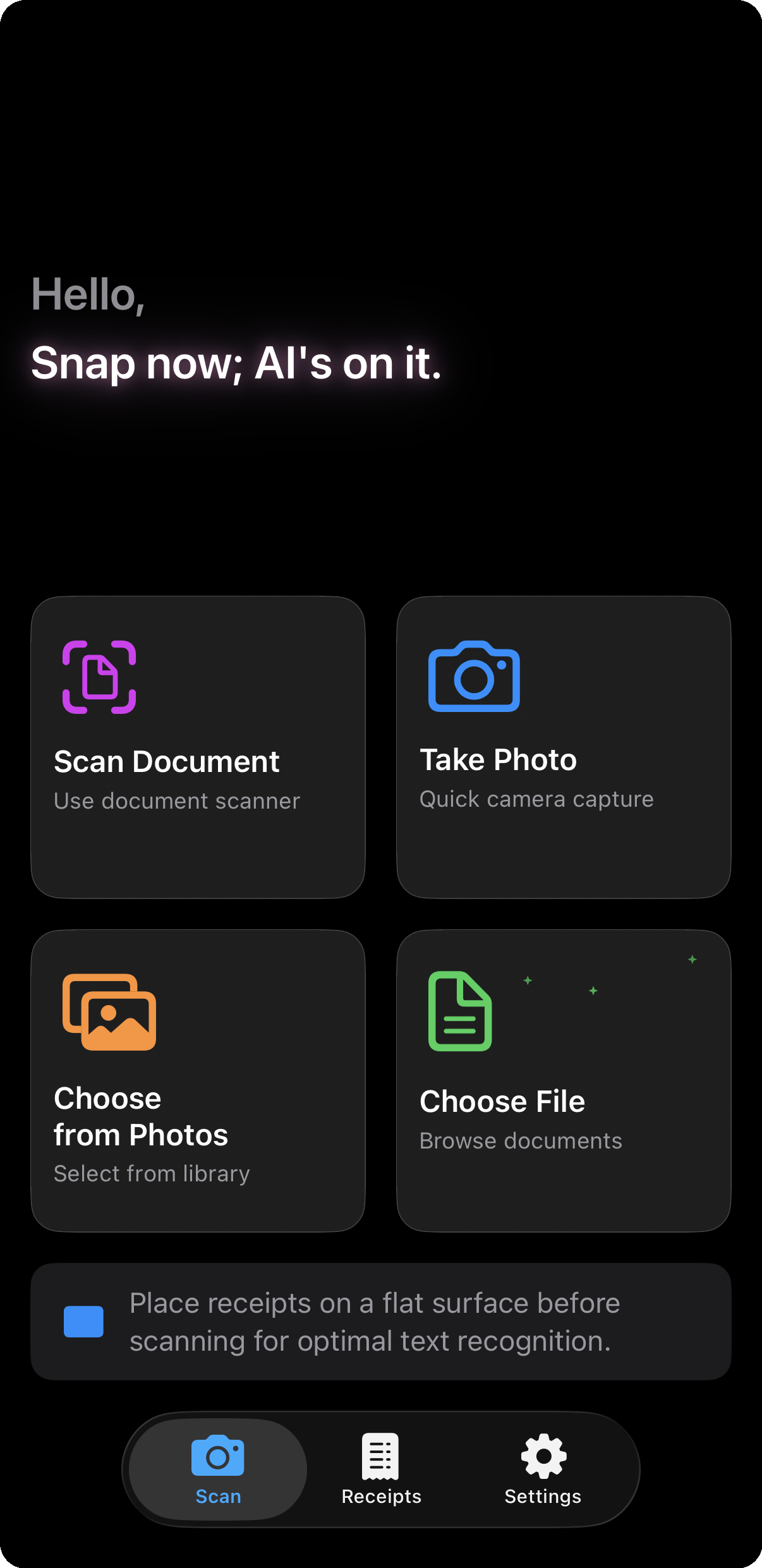
Take a photo using camera, library, or document scanner
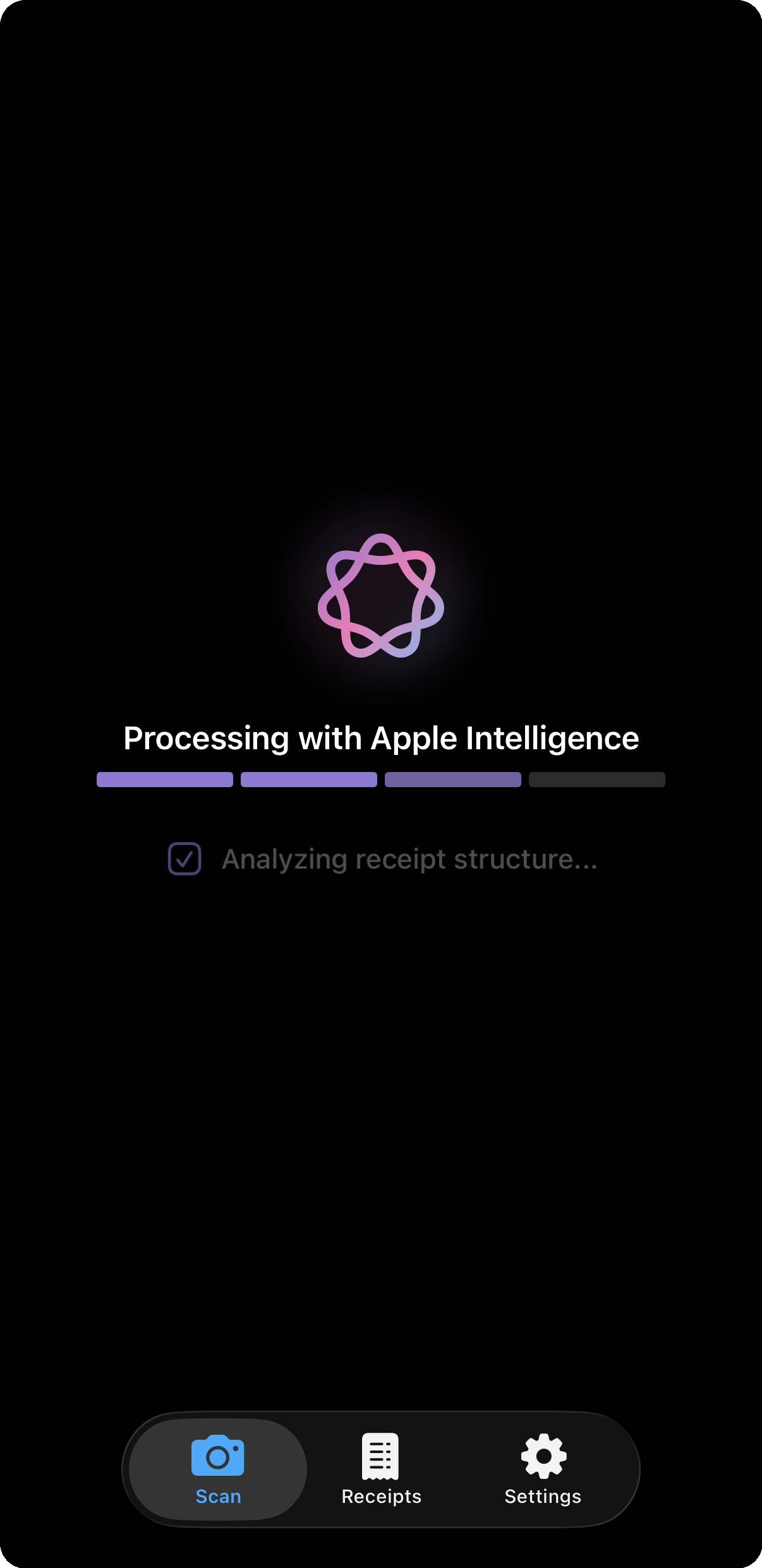
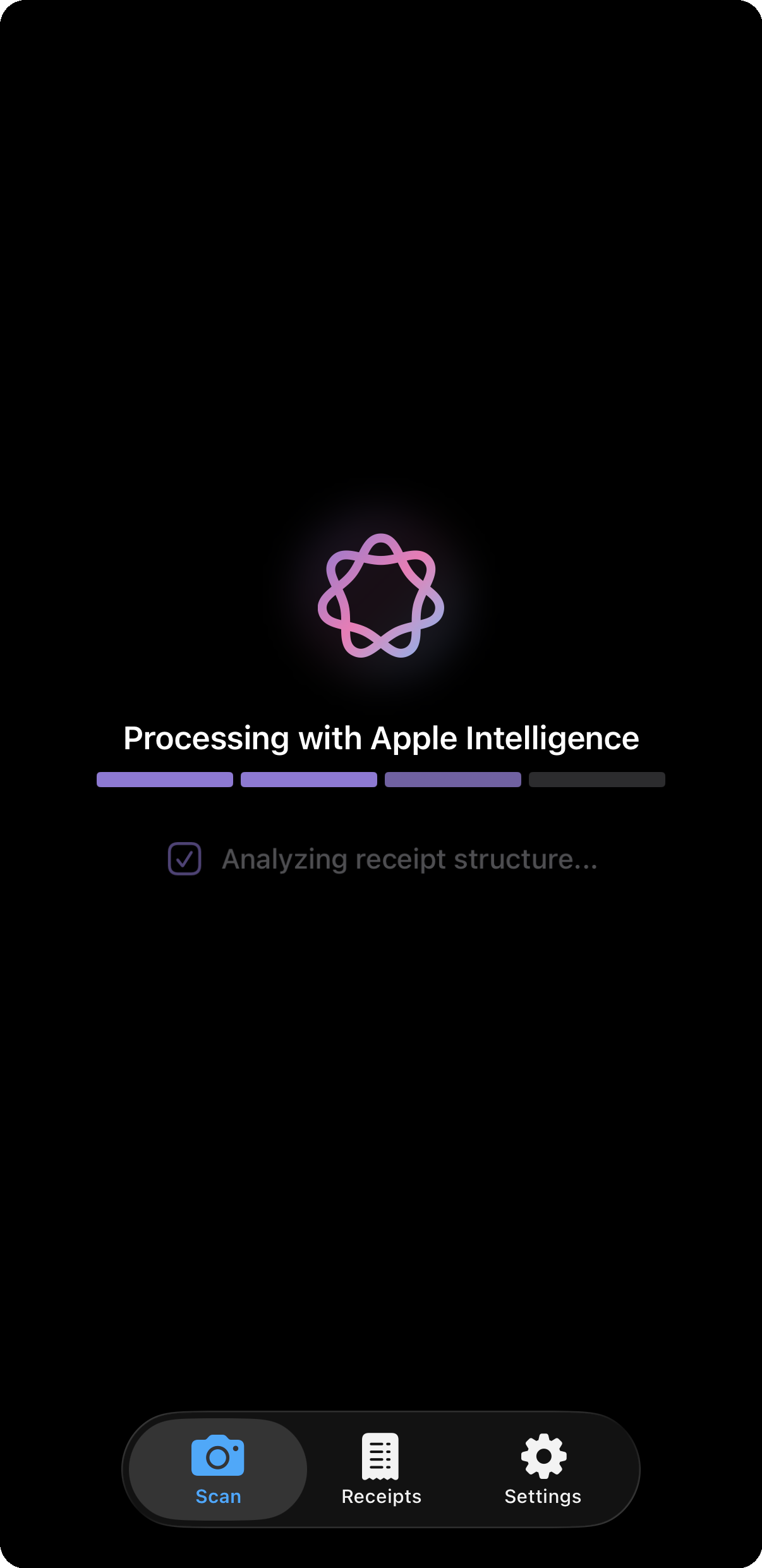
Apple Intelligence reads the receipt on-device
Check confidence score and edit any fields
Save locally, then upload to YNAB when ready
App Preview
A beautiful, native iOS experience that fits naturally into your workflow.
AI scanning in action
Quick capture options
AI-powered scanning
Extracted details & sync
Community Voices
Real pain points from real YNAB users shaped how this app works.
"I don't know why in today's age YNAB can't have a photo import tool. Snap the picture of the receipt and it enters the data into the fields."
"My problem is usually a long grocery receipt with lots of different categories (groceries, household, treats, etc.)... Do you just put the whole thing under one category, or do you actually split things out?"
"For receipts that have a lot of categories I'll pick one for the time being then correct it when I get home with the receipt... it's more work to do that later."
Pricing
Start with 10 AI scans and 5 YNAB uploads per month. Need more? Choose a plan that fits your budgeting style.
$0
Forever free
$0.99 / month
or $9.99/year (2 months free!)
14-day free trial$2.99 / month
or $29.99/year (save ~16%)
14-day free trial14-day free trial applies to monthly and yearly plans. No ads. No hidden fees. Cancel anytime from your Apple ID settings.
A YNAB subscription is required separately to sync receipts.
Download Receipts for YNAB and start scanning today. No credit card required.
Download on App StoreFAQ
Both approaches work — it's a matter of preference. YNAB's built-in attachments are convenient if you want everything stored together in YNAB. Receipts for YNAB is for people who'd rather keep their receipt images on their iPhone and just leave a small reference code in the transaction memo. You still get one-tap access from YNAB back to the receipt; the image just never leaves your device.
Yes, an active YNAB subscription is required to sync receipts. You can scan and store locally without YNAB.
No. Receipts for YNAB is an independent app by eTurea. We are not affiliated with or endorsed by YNAB.
iPhone and iPad running iOS 26 or iPadOS 26. AI scanning requires Apple Intelligence — iPhone 15 Pro or newer, iPad Pro (M1+), iPad Air (M1+), or iPad mini (A17 Pro). Other devices can use manual entry.
Never. All processing happens on your device using Apple Intelligence. We don't operate any servers that collect your data.
Only transaction details (merchant, date, amount, category) when you explicitly sync, plus a short reference code in the transaction memo so you can find the receipt later — that's a 14-digit timestamp, not personal data. Never your receipt images.
No. When you sync a receipt, it automatically matches with existing bank imports in YNAB. Your receipt's detailed line items replace the vague bank description — no duplicates.
Receipt scanning works completely offline. An internet connection is only needed to sync to YNAB.
Receipts for YNAB is available in the US, UK, Canada, Australia, New Zealand, Philippines, Singapore, India, Ireland, and South Africa. We're working on expanding to more regions!
The app extracts line items, not tax directly. When syncing to YNAB, it calculates the difference between the total and item sum, creating a separate "Tax/Fees/Rounding" line automatically.